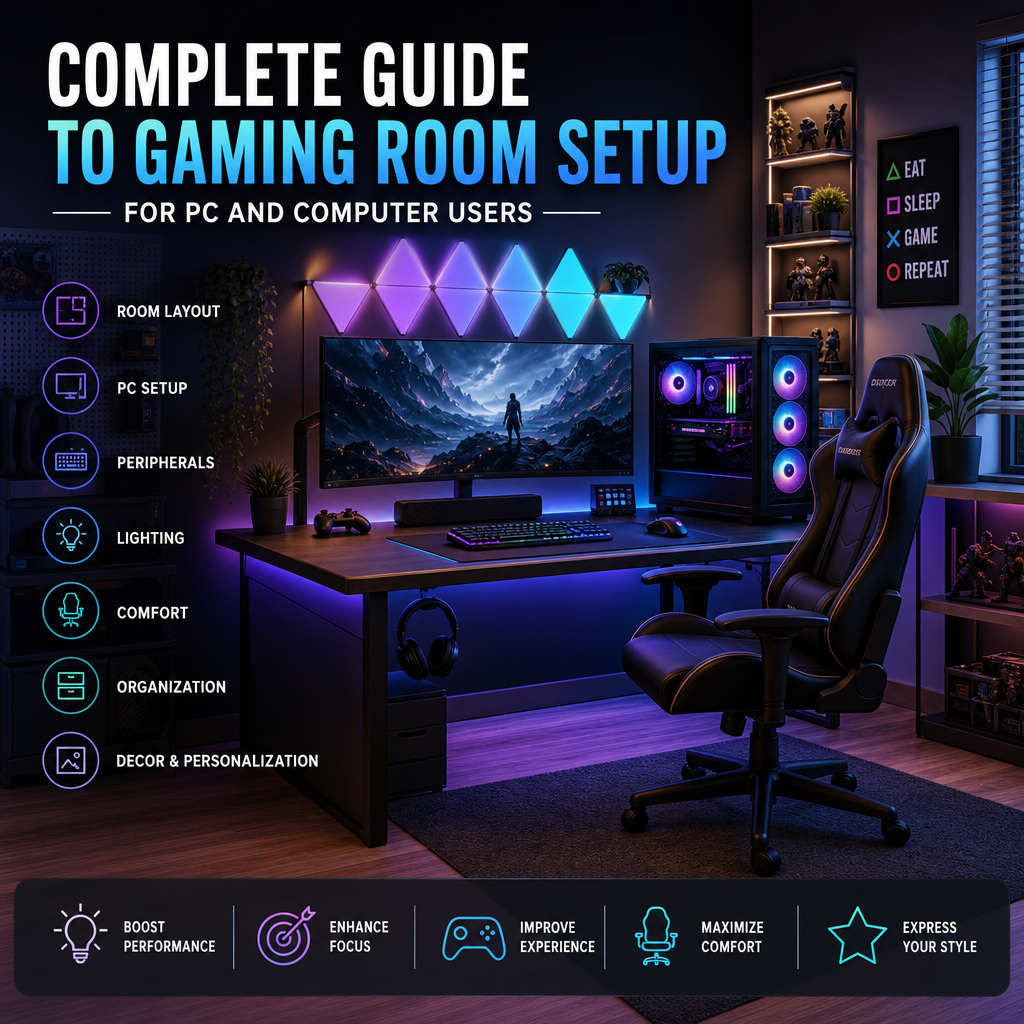

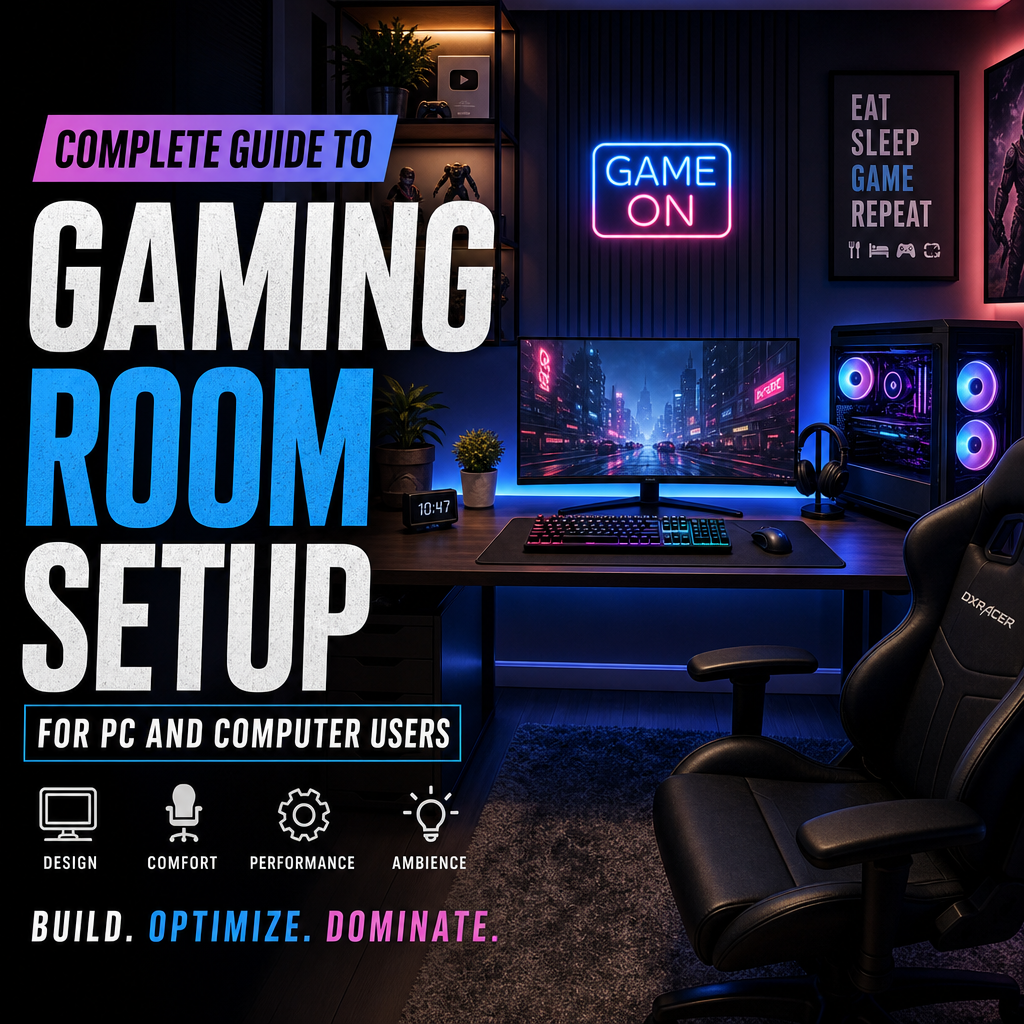
Creating the perfect gaming room is a dream for many PC enthusiasts and serious gamers alike. Whether you’re setting up a dedicated space for immersive play or designing a versatile pc room that doubles as a workspace, this guide will walk you through everything you need to transform any area into a gaming sanctuary.
Why Create a Gaming Room?

A dedicated gaming room offers several benefits, including:
- Enhanced focus: Minimize distractions with a space designed for gaming.
- Ergonomics: Tailor your setup for comfort during long sessions.
- Aesthetic appeal: Show off your gear and personalized gaming style.
- Organization: Keep all your accessories and hardware in one place.
Having a dedicated pc room also means you can separate gaming from other everyday activities, helping to set clear boundaries and improve your overall experience.
Key Elements of a Gaming Room
1. Choosing the Right Space
Start by selecting a suitable room or nook in your home. Consider:
- Size: Enough room for your equipment and comfortable movement.
- Lighting: Natural light is great, but avoid glare on screens.
- Noise: Pick a quiet area or plan for soundproofing options.
2. Gaming Desk and Chair
Your desk and chair should prioritize comfort and ergonomics:
- Desk: Look for ample surface area with space for multiple monitors, keyboard, mouse, and speakers.
- Chair: Invest in an ergonomic chair with adjustable height and lumbar support.
This setup supports long gaming sessions without strain on your body.
3. The Perfect PC Setup
The core of your gaming room is your computer. Key factors:
- Powerful hardware: A fast CPU, high-end GPU, sufficient RAM, and SSD storage.
- Cooling: Ensure your PC has proper airflow or liquid cooling to avoid overheating.
- Peripherals: Mechanical keyboard, gaming mouse, and high-quality headset elevate gameplay.
Consider cable management solutions to keep your space tidy.
4. Monitors and Display
Display setup heavily influences your gaming experience:
- Single large monitor or multiple screens for immersive visuals.
- High refresh rates (144Hz or more) for smoother gameplay.
- Adjustable mounts to reduce neck strain.
5. Sound and Acoustics
Good sound improves immersion:
- Quality headphones or surround sound speakers.
- Acoustic panels or foam to control echoes and improve sound clarity.
- Position speakers strategically for balanced audio.
6. Lighting Ambiance
Create the perfect mood with lighting:
- LED strips behind the desk and monitor.
- Smart bulbs that can change colors based on your game or mood.
- Dim lighting or blackout curtains to minimize glare.
Organizing Your Gaming Room
To maintain a clean and efficient pc room, use:
- Cable organizers and clips to prevent tangles.
- Shelves or storage bins for games, controllers, and accessories.
- Charging stations for wireless devices.
Additional Tips for the Ultimate Gaming Room
- Personalize: Display posters, collectibles, or themed decor reflecting your favorite games.
- Connectivity: Ensure stable and fast internet with a wired connection or high-quality router.
- Comfort extras: Add a mini fridge, snack station, or adjustable fan for extended comfort.
Conclusion
A well-designed gaming room combines functionality, comfort, and style to elevate your gaming sessions. Whether you’re building a dedicated pc room from scratch or upgrading an existing area, prioritizing the key elements outlined above will create an ideal environment for gaming and computing alike. Take your time planning and enjoy customizing a space that reflects your passion for gaming and technology.
For more information on site policies, please visit our Terms and Conditions page.